

更新履歴
H3 Image の新着情報
新しいモデル、ツール、改善点を新しい順に掲載。各更新で、何が変わったか、どこで試せるかを説明しています。
2026年11月
MiniMax の新しいオープンウェイト画像モデルをこのサイトの画像生成ツールに追加しました。2K・4K の画像生成と、参照画像を最大16枚使った編集ができます。
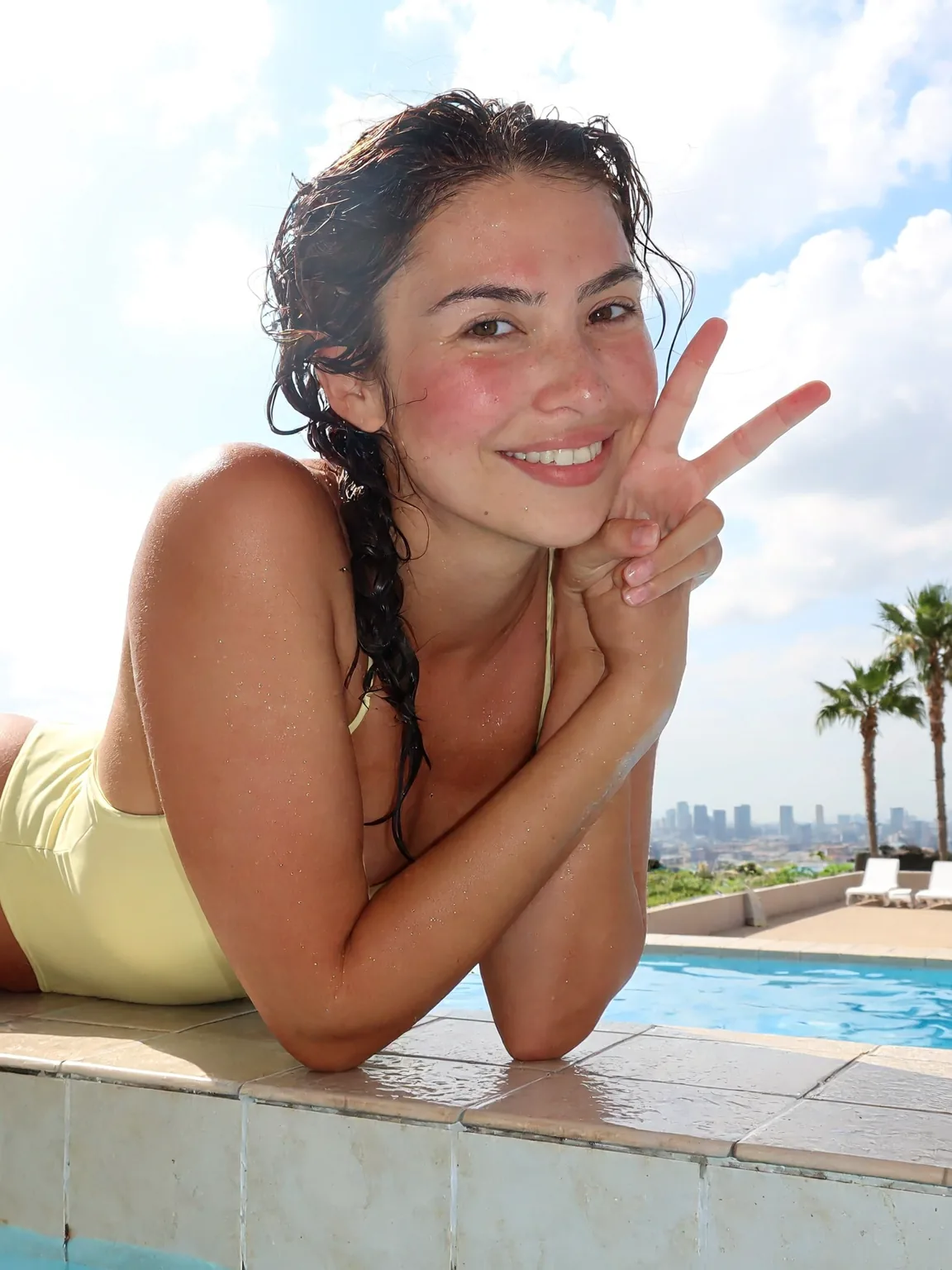
MiniMax は11月11日、オープンウェイトの画像モデル H3 Image を公開しました。このサイトの画像生成は、開くと最初から H3 Image が選ばれています。トップページでは、私たちが最初に生成した作例をプロンプトつきで紹介しています。どれも公開当日に 2K で1回ずつ生成したものです。
- プロンプトから 2K または 4K の画像を作れます。
- 参照画像を最大16枚アップロードして、編集内容を書けます。
- 作った画像を MiniMax H3 の動画にできます。
A bright phone snapshot of a smiling woman in her mid-twenties leaning on the tiled edge of a rooftop swimming pool, arms folded on the edge, one hand making a peace sign near her face. Wet dark hair in a loose braid over one shoulder, a pale yellow one-piece swimsuit, water droplets on her skin and a light sunburn blush on her cheeks. Behind her: blue pool water, white sun loungers, two palm trees and a hazy city skyline under a cloudy summer sky. Midday sun, slightly overexposed highlights, eye-level framing a little off center, natural skin texture, casual and happy.
MiniMax の H3 Image と Pruna の P-H3-Image に、同じ7本のプロンプトを試したページを公開しました。名前はほぼ同じですが、別のモデルです。
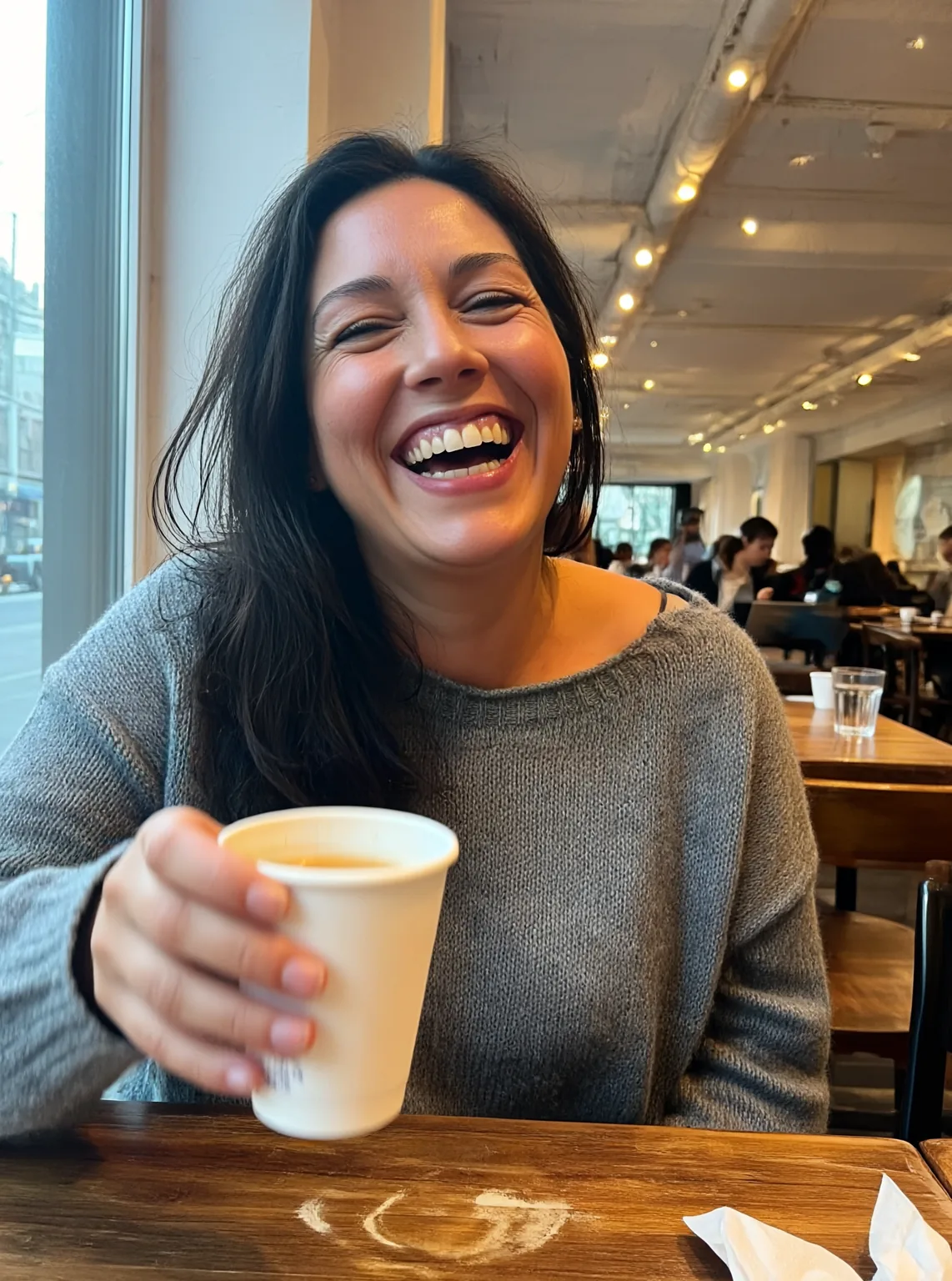
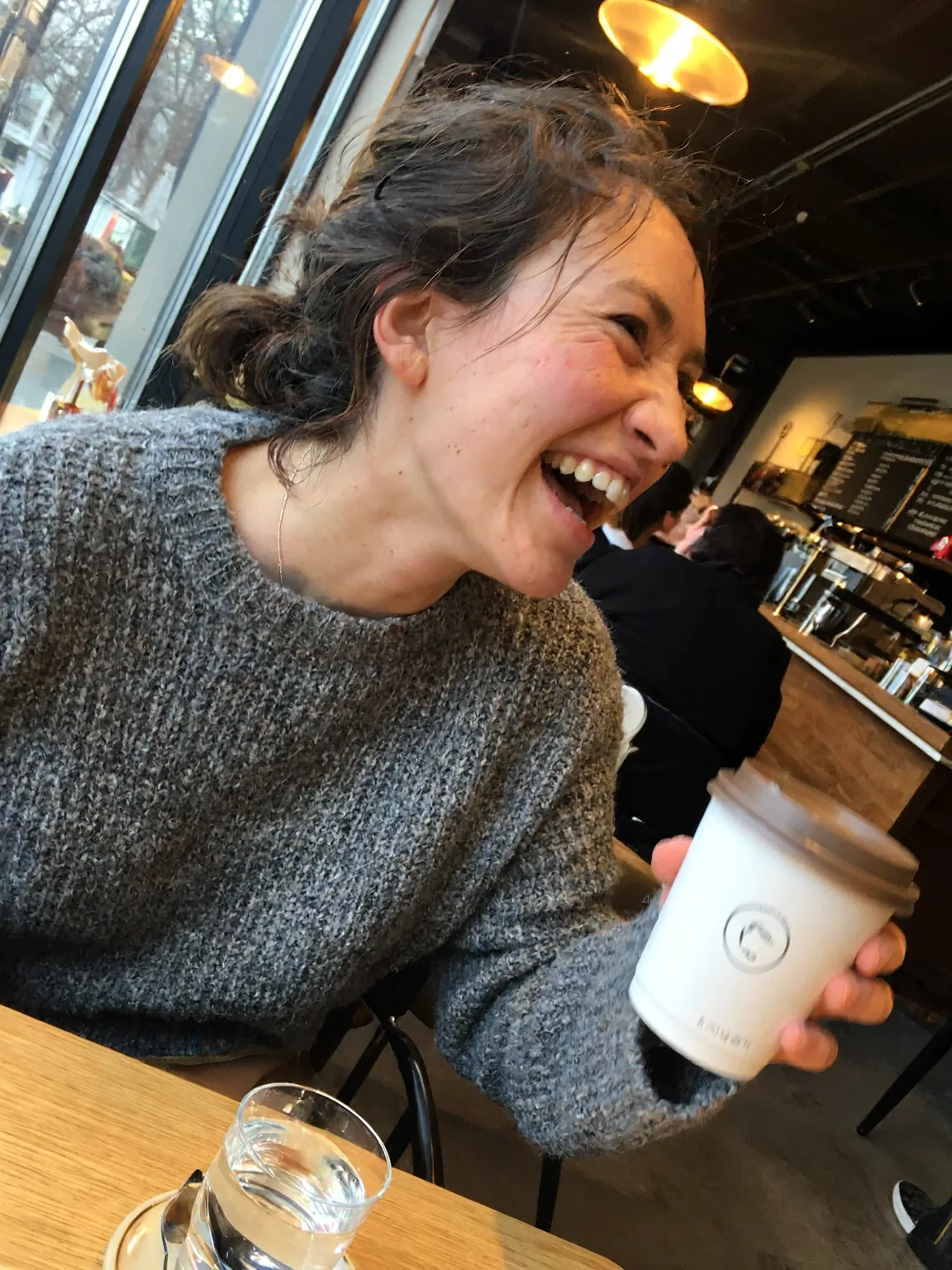
MiniMax 自身のモデルが出る前は、「h3 image」で検索すると P-H3-Image を指す結果が多く出ていました。H3 Image と P-H3-Image の違いのページでは、同じ7本のプロンプトに対する両モデルの結果を並べています。どこが違うのか、実際の画像で確かめられます。
- 7本のプロンプトの結果を、2つのモデルで1枚ずつ見比べられます。
- 2つのモデルの違いがわかります。P-H3-Image は、MiniMax H3 のオープンウェイトをもとに Pruna がファインチューニングしたモデルで、11月3日に公開されました。
An ordinary phone photo taken by a friend across the table in a busy cafe: a woman in her late twenties with messy dark hair and a gray knit sweater, mid-laugh, holding a paper coffee cup. Eye level, slightly tilted framing, her face a little off center. Mixed light from the window and warm ceiling bulbs, a bit of motion blur on her hand, other customers soft in the background. No studio lighting, no retouching, visible skin texture.
Hugging Face にある H3 Image の全バージョンを、容量つきでまとめたガイドを公開しました。対応ツール、VRAM の注意点、ライセンス条件も載せています。
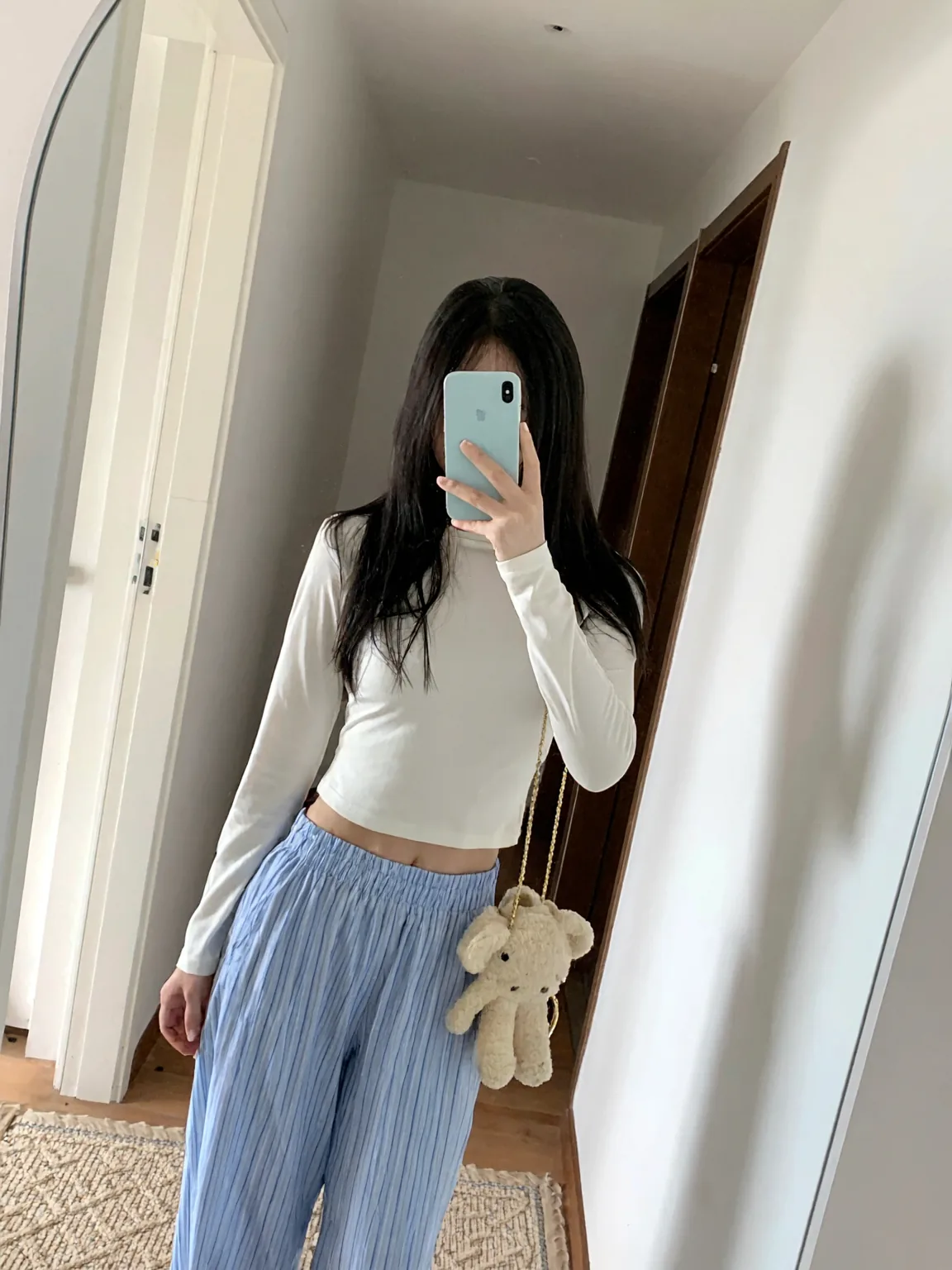
H3 Image をローカルで動かすのガイドでは、オープンウェイトの動かし方について MiniMax のモデルカードと Hugging Face に書かれている内容を、11月11日時点で確認してまとめました。ファイルを私たち自身で動かしたわけではありません。お使いのマシンで動かすのが難しい場合は、このサイトの画像生成でブラウザから公式モデルを使えます。
- 公式の 68.65 GB 版と、コミュニティ製の GGUF・FP8・Mac 向け MLX 版が見つかります。
- 動かせるツール(ComfyUI、Diffusers、SGLang、vLLM-Omni)を確認できます。
- ライセンスの対象外になる地域(米国・EU・英国・韓国)を確認できます。
サイトの公開にあわせて、MiniMax H3 の動画ツールを用意しました。「テキストから動画」と「画像から動画」の2つで、長さは2〜15秒です。
サイトの公開にあわせて、「テキストから動画」と「画像から動画」の2つの動画ツールを用意しました。どちらも MiniMax H3 Max Turbo で動きます。何が起きてカメラがどう動くかを書いて始めるか、手元にある画像から始めてください。
- シーンとカメラの動きを書くと、480P・768P・1080P で2〜15秒の動画になります。
- 写真をアップロードして動かしたいところを書くと、元の画像の見た目を保ったまま動画にします。
Create a 5-second live-action Hollywood film shot in a bright university library. A thoughtful professor stands in a medium shot, turns slightly toward an unseen student, and calmly says, “What is the real?” Natural daylight, professional cinema camera, realistic performance, subtle camera drift, no close-up, no dark lighting, perfect lip sync.