

Run H3 Image Locally H3 Image Download and VRAM Guide
Every H3 Image Hugging Face version with its size, plus VRAM, tool and license notes.
MiniMax H3 Image is open-weight, so you can run H3 Image locally: download it from Hugging Face and load it in ComfyUI, Diffusers, SGLang or vLLM-Omni, or a community MLX build on a Mac. The official model is 68.65 GB in BF16 and needs a separate 66.7 GB text encoder; community GGUF and FP8 files are smaller. Below: each version's size, the settings the model expects and the license terms. We have not run these files ourselves.
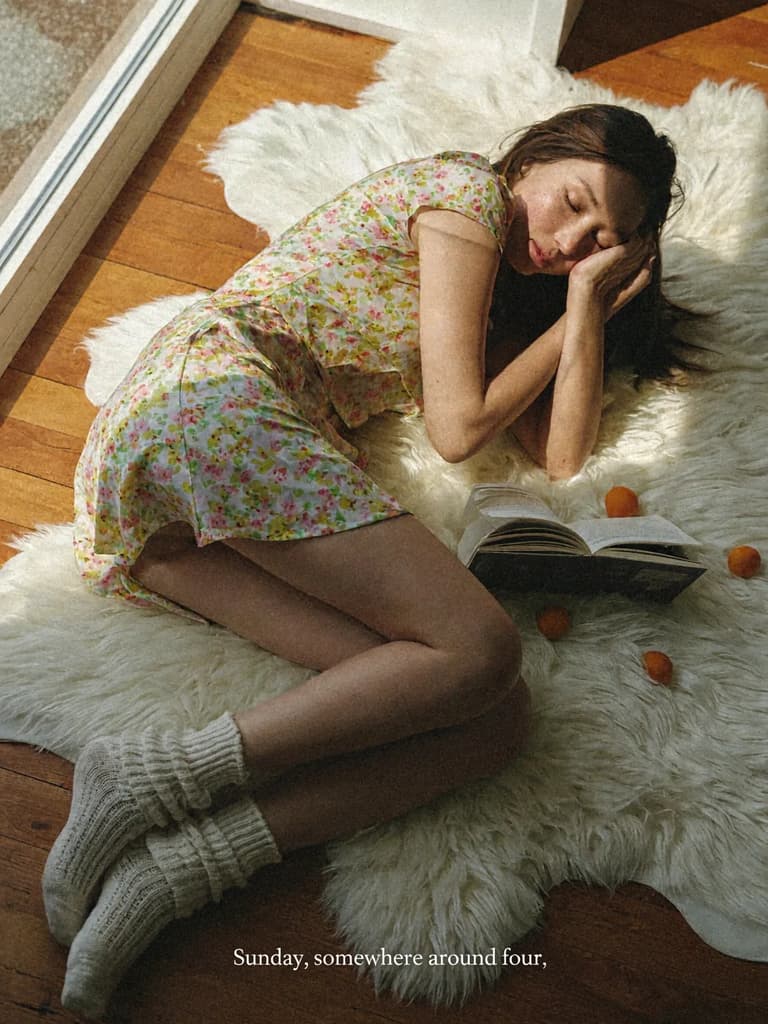
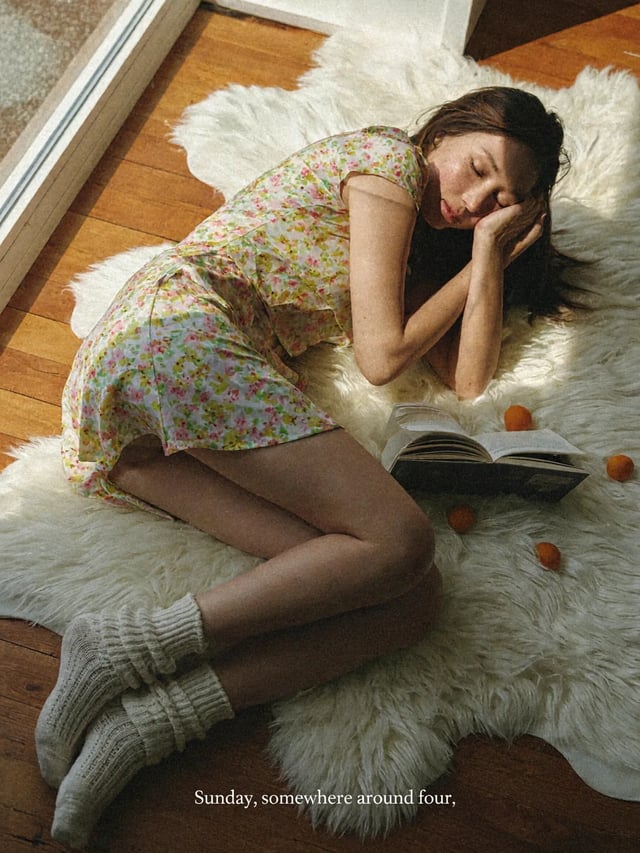
A casual phone photo of a woman in her mid-twenties lying back on a white sheepskin rug on a wooden floor beside a sunny window. Long dark hair spread out, one hand resting against her cheek, eyes half closed. She wears a short-sleeved floral summer dress and slouchy cream knit socks. Open paperback books and a few ripe apricots lie on the rug around her. Warm, hard late-afternoon sunlight falls across her in a sharp diagonal, with deep soft shadows. Shot from slightly above, natural skin texture with freckles, light film grain, faded warm colors. A small white serif caption along the bottom edge reads: "Sunday, somewhere around four."
What running H3 Image takes
The H3 Image requirements in eight lines, from MiniMax's model card and Hugging Face, checked on November 11, 2026. We have not run any of these files on our own hardware.
- Official model
- 68.65 GB in BF16
- 33.1 billion parameters, in MiniMaxAI/MiniMax-H3-Image.
- Text encoder
- 66.7 GB, a separate download
- From the text_encoder folder of MiniMaxAI/MiniMax-H3.
- Minimum graphics card
- Not listed by MiniMax
- For vLLM-Omni it names the NVIDIA H200, RTX PRO 6000 Blackwell and AMD Instinct MI350X.
- Smallest community file
- 6.9 GB (GGUF Q2_K)
- A community quantization of a pruned model; the text encoder and VAE come on top.
- Smallest complete community set
- About 21 GB
- Comfy-Org's ComfyUI repack: the W4A8 model (12.5 GB), its smallest text encoder (7.3 GB) and the VAE (1.2 GB).
- Tools
- ComfyUI, Diffusers, SGLang, vLLM-Omni
- Settings
- 6 steps, guidance 1, no negative prompt
- License
- MiniMax-H3-Image Community License
- Does not apply in the US, the EU, the UK or South Korea.
H3 Image download: the three parts you need
The official H3 Image download is the image model itself: a 33.1-billion-parameter diffusion transformer in BF16, 68.65 GB in total, in MiniMax's official H3 Image Hugging Face repo, MiniMaxAI/MiniMax-H3-Image. It does not include the text encoder, the part that reads your prompt. H3 Image uses MiniMax H3's Qwen3-VL-based encoder, a separate 66.7 GB download from the text_encoder folder of the MiniMaxAI/MiniMax-H3 repo, so the full-precision setup is about 135 GB.
The third part is the VAE, which turns the model's compressed output into the final picture; H3 Image's VAE downsamples 16 times, and where a community bundle includes it, it is about 1.2 GB. MiniMax also publishes an optional prompt expander, MiniMax-H3-Image-PE (17.9 GB in NVFP4), which rewrites short prompts into the detailed descriptions the model prefers; skip it if you write detailed prompts yourself.
Every H3 Image Hugging Face version and its size
The official release and the community versions on Hugging Face as of November 11, 2026, with sizes from Hugging Face's file listings. Community versions are uploads by independent people and teams, not MiniMax, and we have not tested their quality. Pruned means parts of the model were removed to make it smaller.
| Version | What it is | Download size | Also needs |
|---|---|---|---|
| MiniMaxAI/MiniMax-H3-ImageOfficial, by MiniMax | The H3 Image model in BF16, 33.1B parameters | 68.65 GB | The 66.7 GB text encoder from MiniMaxAI/MiniMax-H3 |
| MiniMax-H3-Image-PEOfficial prompt expander, optional | Rewrites short prompts into detailed ones, in NVFP4 | 17.9 GB | The official model; it only rewrites prompts |
| Comfy-Org/MiniMax-H3-ImageComfyUI repack | The ComfyUI repack: pruned model files in BF16, INT8 or W4A8, three text encoder choices and the VAE | Model 40.2 GB (BF16) · 21.0 GB (INT8) · 12.5 GB (W4A8); text encoder 27.1, 15.7 or 7.3 GB; VAE 1.2 GB. The smallest set is about 21 GB | Nothing else: pick one model file, one text encoder and the VAE from the same repo |
| Abiray/MiniMax-H3-Image-GGUFCommunity GGUF | A pruned model in Q2_K, Q3_K_M, Q4_K_M and Q5_K_M | 6.9 GB (Q2_K) · 8.9 GB (Q3_K_M) · 11.6 GB (Q4_K_M) · 14.1 GB (Q5_K_M) | A text encoder and the VAE: the files are the diffusion model only |
| unsloth/MiniMax-H3-Image-FP8Community FP8 and INT8 | The model in FP8 or INT8 | 20.3 GB each | A text encoder and the VAE: the repo holds the diffusion model only |
| Woovee/MiniMax-H3-Image-LowVRAMCommunity low-VRAM bundle | Pruned W4A8 model, NVFP4 text encoder and VAE together | 29.4 GB in total (12.5 + 15.7 + 1.2 GB) | Nothing listed: all three parts are in the bundle |
| cguldogan/MiniMax-H3-Image-MLX-4bit and -8bitCommunity MLX for Apple Silicon | 4-bit and 8-bit versions for MLX | 31.4 GB in total for 4-bit · 53.3 GB in total for 8-bit | An Apple Silicon Mac with MLX |
| VisualInference/MiniMax-H3-Image-MLX-bf16Community MLX, full precision | A bf16 version for MLX | 94.2 GB in total | An Apple Silicon Mac with MLX |
| Other quantizationsSD-Next SDNQ uint4, LSDJesus fp8-nvfp4, nativ-community, WaveCut OrbitQuant | More quantization formats | Varies by repo | Varies by repo |
| akhaliq/minimax-h3-image-pdmd-2stepCommunity 2-step adapter | A 2-step version, shipped as a LoRA, full BF16 weights and a ComfyUI file | About 110 GB for the whole repo; you download only the files you use | For the LoRA: a copy of the model to load it onto |
H3 Image VRAM: what the sizes do and don't tell you
Download size is not the H3 Image VRAM you need. Besides the model, the text encoder and the VAE also need memory while a picture is made, and H3 Image renders every picture at 2048 × 2048 or larger before resizing it, so asking for a smaller picture does not shrink that render. Some tools can move parts of the model to system RAM when graphics memory runs out, which lets a big model run on a smaller card but makes each picture slower.
MiniMax publishes no minimum graphics card, and the hardware it names is data-center and workstation class. For an H3 Image low-VRAM setup, look at the community versions: an H3 Image GGUF starts at 6.9 GB for the model alone, an H3 Image FP8 file is 20.3 GB, the smallest full set in Comfy-Org's ComfyUI repack comes to about 21 GB, and Woovee's bundle puts all three parts in 29.4 GB. Those are download sizes, not a promise that a card of that size will work, and results may differ from the official model in ways we have not measured.
Pruna's P-H3-Image, a separate model fine-tuned from MiniMax H3, publishes a home-card figure: its 4-bit ComfyUI files run in about 21 GB of VRAM. If your machine is far from these numbers, the generator on this site runs the official H3 Image in your browser.
Which tools run H3 Image
MiniMax documents four ways to run the official weights, including splitting one job across several GPUs; the community has added Mac versions.
H3 Image ComfyUI templates
ComfyUI has official MiniMax H3 Image templates for text to image and for edits, with a step-by-step tutorial on docs.comfy.org, and Comfy-Org hosts a ComfyUI repack of the model on Hugging Face.
Diffusers in Python
In a Python script, load the official repo MiniMaxAI/MiniMax-H3-Image with Diffusers' DiffusionPipeline. Diffusers also runs on Apple's mps backend.
SGLang server
Serve the model behind your own API with sglang serve --model-path MiniMaxAI/MiniMax-H3-Image, for apps and batch jobs.
vLLM-Omni server
Start it with vllm serve MiniMaxAI/MiniMax-H3-Image --omni. MiniMax's named hardware (NVIDIA H200, RTX PRO 6000 Blackwell, AMD Instinct MI350X) is for this setup.
MLX on a Mac
Community MLX versions run H3 Image on Apple Silicon; the Mac section below lists them.
How to set up H3 Image locally
The same four steps apply whichever tool you use to run H3 Image locally.
- 1
Check your memory first
Compare your graphics memory, and system RAM if your tool can offload, with the table above; the model, text encoder and VAE all need room.
- 2
Download the model and the text encoder
Get the H3 Image weights from MiniMaxAI/MiniMax-H3-Image or a community version, and the text encoder from the text_encoder folder of MiniMaxAI/MiniMax-H3 unless your version bundles one.
- 3
Load it in your tool
Open ComfyUI's H3 Image text-to-image or edit template, or point Diffusers, SGLang or vLLM-Omni at the repo.
- 4
Keep 6 steps and guidance 1
Leave the negative prompt empty and write a detailed English prompt; when a picture misses, change the prompt, not the sampler.
H3 Image settings to keep in any tool
MiniMax distilled H3 Image to a fixed recipe. These values come from its model card and ComfyUI's tutorial.
- Sampling steps
- 6
- MiniMax's servers reject other step and guidance values.
- Guidance
- 1
- Negative prompt
- None
- Say what you want in the picture instead of listing what to avoid.
- Prompt
- Detailed English, up to 4,096 tokens
- MiniMax's GitHub repo includes a prompt-writing guide, skills/h3-image-prompt-writing.
- Output size
- About 16 megapixels at every aspect ratio
- The model works from about 4 to 20 megapixels; by default it renders at least 2048 × 2048, then resizes.
- Reference images
- Up to 16 for edits
- The model card's own code names them in the prompt as <Picture 1>, <Picture 2> and so on.
H3 Image Mac options: MLX builds and Diffusers
For an H3 Image Mac setup, look at the community H3 Image MLX builds for Apple Silicon: cguldogan's 4-bit and 8-bit uploads and VisualInference's bf16 version. The 4-bit set is 31.4 GB in total, the smallest complete Mac version we found on November 11, 2026. Whether one fits depends on your Mac's memory, and we have not tested any of them. Diffusers can also run the official pipeline on Apple's mps backend, at full size plus the 66.7 GB text encoder. These community conversions are not MiniMax releases, and if your Mac has less memory than the download, the browser generator here runs the official model.
H3 Image license: what to check before you build on it
The H3 Image license for running the weights yourself is the MiniMax-H3-Image Community License, dated November 10, 2026. It is royalty-free, but only inside what it calls the Applicable Territory: it excludes the European Union, the United Kingdom, South Korea and the United States, and the exclusion covers using the outputs there as well as running the weights.
Two cases need MiniMax's written permission first: a business with annualized revenue above 1 million US dollars, and anyone offering the model to third parties as a hosted service. You request it through platform.minimax.io/license. A commercial product built on the weights must display the name "MiniMax-H3-Image", and neither the model nor its outputs may be used to improve another AI model, for example as training data. MiniMax claims no rights over the pictures you make, and the license is governed by Hong Kong law.
Where to try H3 Image without a GPU
MiniMax runs an official Hugging Face Space, MiniMaxAI/minimax-h3-image, and two community Spaces offer variants: akhaliq's 2-step version and multimodalart's MiniMax-H3-images. H3 Image is also in MiniMax's Hailuo app, and developers can call it through the MiniMax API.
On this site, the generator runs the official MiniMax H3 Image for text to image, and for edits with up to 16 reference photos. In our runs on November 11, 2026, a 2K picture took 15 to 19 seconds, 4K about 22 seconds and an edit 20 to 24 seconds. A new account can make five 1K pictures free, so you can see real results before you commit to a 135 GB download.
Run H3 Image Locally examples
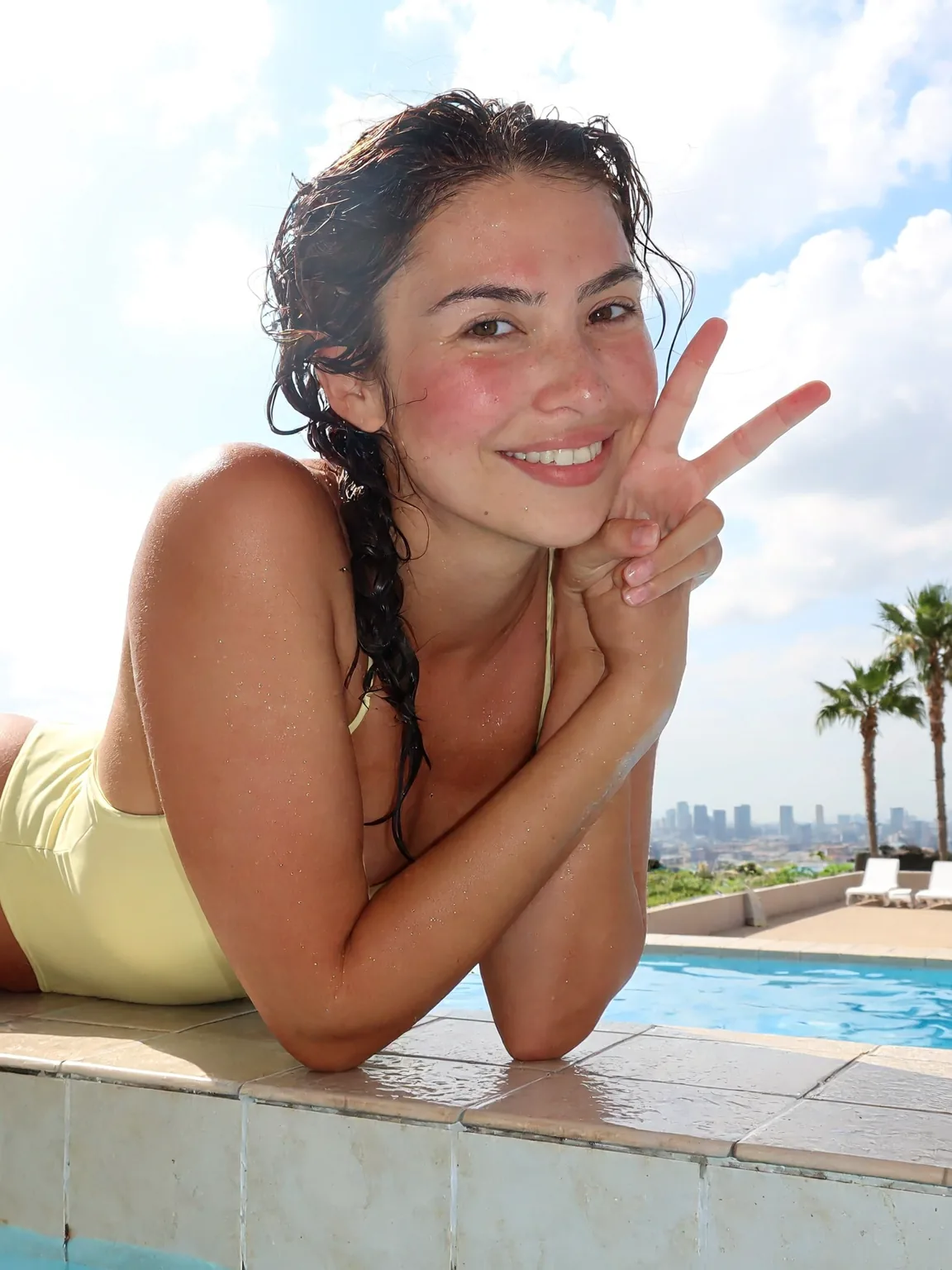 H3 Image
A bright phone snapshot of a smiling woman in her mid-twenties leaning on the tiled edge of a rooftop swimming pool, arms folded on the edge, one hand making a peace sign near her face. Wet dark hair in a loose braid over one shoulder, a pale yellow one-piece swimsuit, water droplets on her skin and a light sunburn blush on her cheeks. Behind her: blue pool water, white sun loungers, two palm trees and a hazy city skyline under a cloudy summer sky. Midday sun, slightly overexposed highlights, eye-level framing a little off center, natural skin texture, casual and happy.
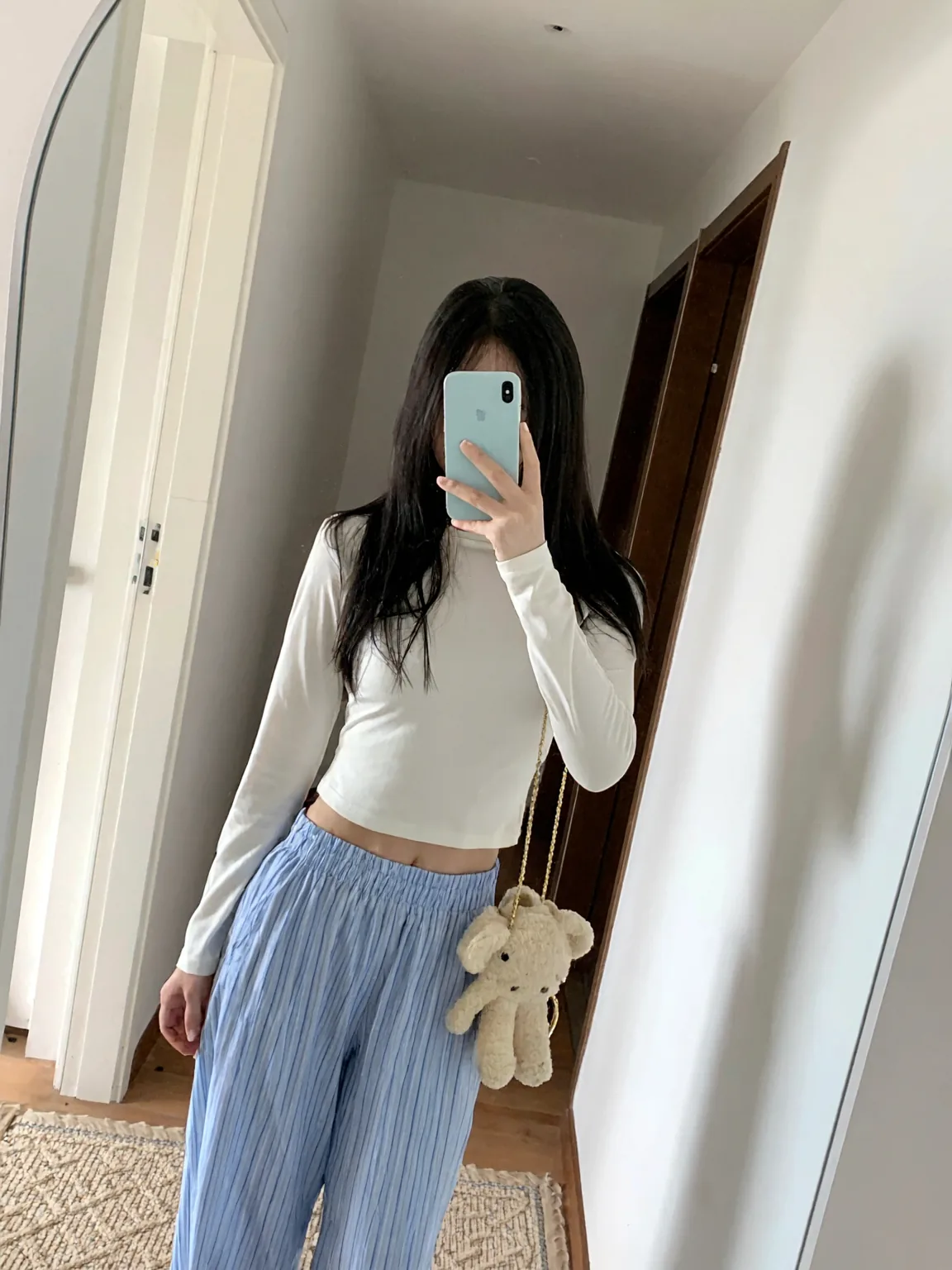 H3 Image
A mirror selfie in a minimal apartment hallway: a young woman in her twenties holds a pale blue phone in front of her face so her face is hidden, long straight black hair falling past her shoulders. She wears a fitted white long-sleeve cropped top, light blue striped pajama pants and a small cream teddy-bear bag on a thin gold chain over her shoulder. Soft daylight from a doorway on the left, a white wall and a dark wooden door frame behind her. Slightly tilted vertical framing, phone camera look, true-to-life colors.
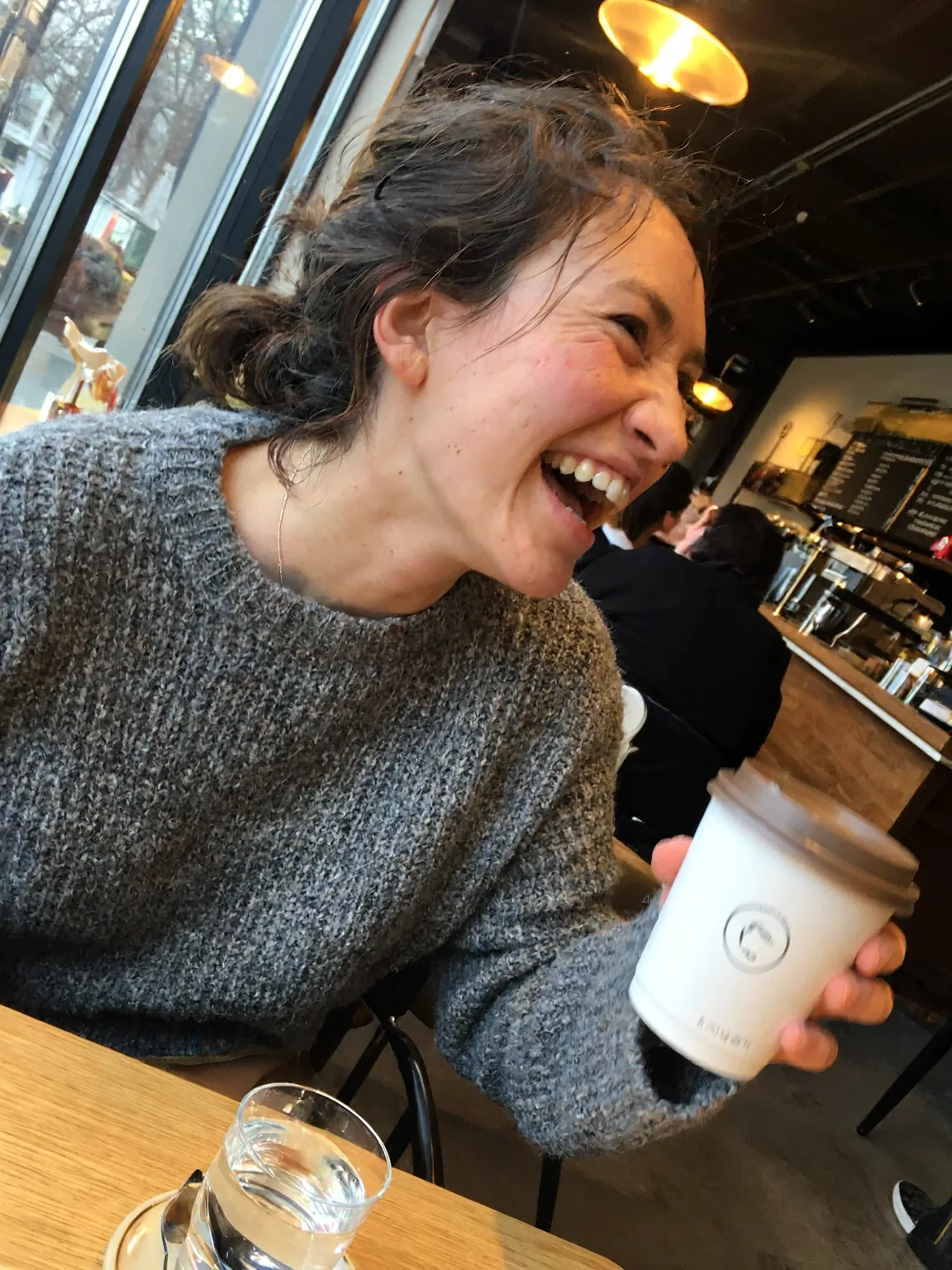 H3 Image
An ordinary phone photo taken by a friend across the table in a busy cafe: a woman in her late twenties with messy dark hair and a gray knit sweater, mid-laugh, holding a paper coffee cup. Eye level, slightly tilted framing, her face a little off center. Mixed light from the window and warm ceiling bulbs, a bit of motion blur on her hand, other customers soft in the background. No studio lighting, no retouching, visible skin texture.
 H3 Image
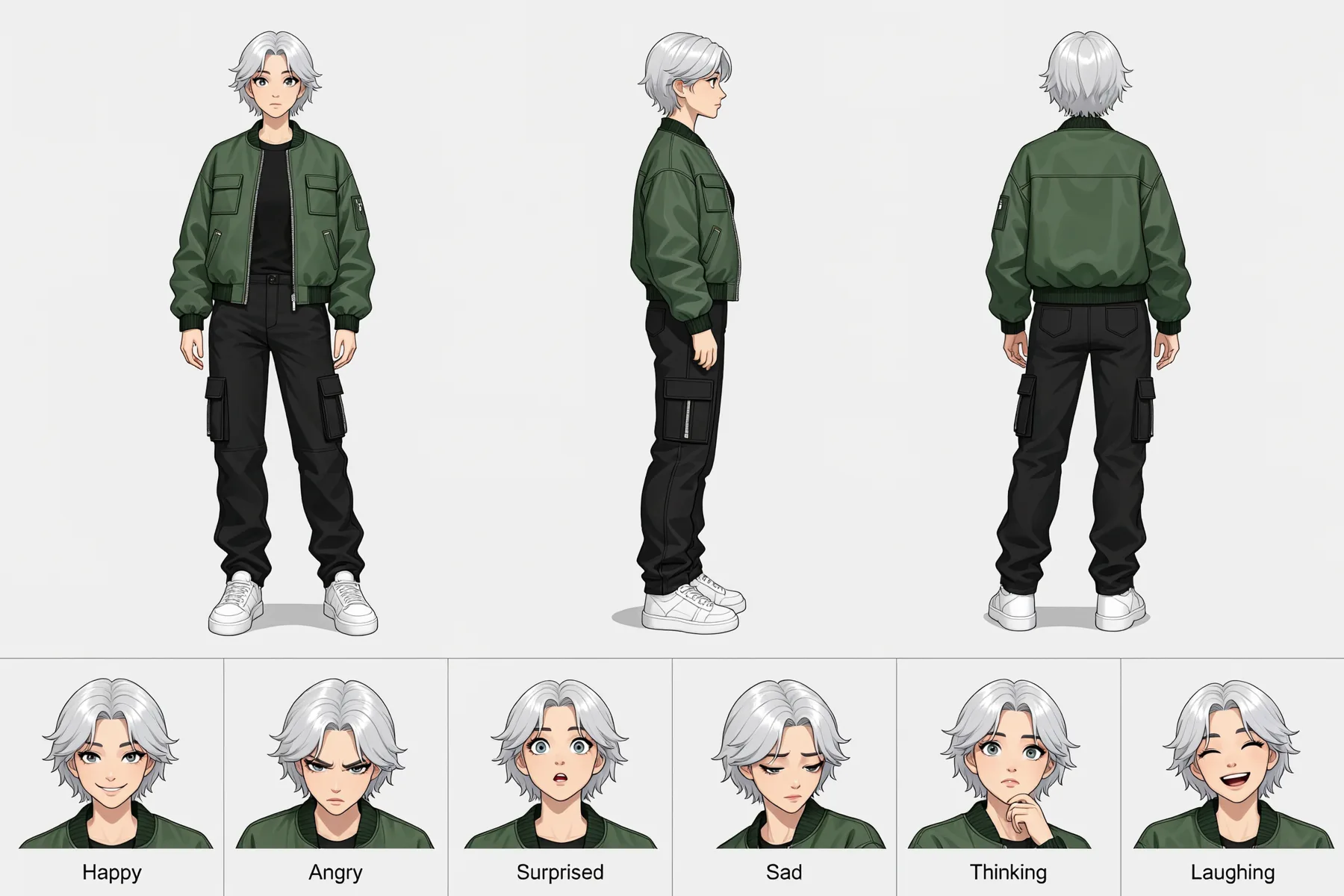
Character reference sheet of one young woman with short silver hair, a green bomber jacket, black cargo pants and white sneakers. Top row: full-body front view, side view and back view in the same neutral pose, evenly spaced on a plain light gray background. Bottom row: six head-and-shoulder close-ups with different expressions, labeled Happy, Angry, Surprised, Sad, Thinking and Laughing. Clean digital illustration, flat even lighting, the same proportions and colors in every view.
 H3 Image
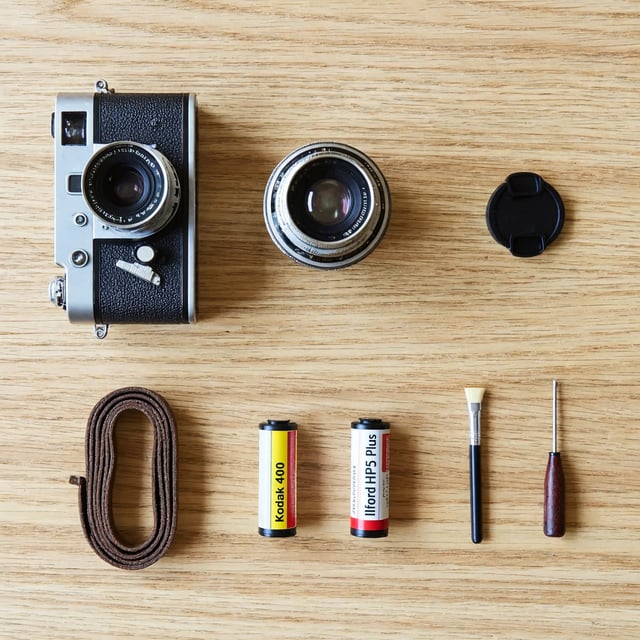
Knolling photo shot from directly above: a vintage film camera taken apart into its body, lens, lens cap, strap, two film rolls, a cleaning brush and a small screwdriver, all laid out at right angles with even gaps on a pale oak table. Soft daylight from a window on the left, gentle shadows, every object fully visible and none overlapping. Sharp focus from edge to edge, natural colors.
Running H3 Image locally: questions
Yes. The weights have been on Hugging Face and GitHub since November 11, 2026 and run in ComfyUI, Diffusers, SGLang and vLLM-Omni. To run H3 Image locally at full precision you need about 135 GB of files including the text encoder; community versions are much smaller.
MiniMax does not publish an H3 Image VRAM figure; the hardware it names for vLLM-Omni is data-center and workstation class. Community downloads run from 6.9 GB for the smallest GGUF model file to 29.4 GB for a complete low-VRAM bundle, but download size is not VRAM: the text encoder and VAE need memory too.
Yes, as a community upload: Abiray/MiniMax-H3-Image-GGUF has Q2_K to Q5_K_M files of a pruned model, 6.9 to 14.1 GB, for the diffusion model only. MiniMax did not make them, and we have not tested their quality.
Open ComfyUI's MiniMax H3 Image text-to-image or edit template; ComfyUI's documentation has a step-by-step H3 Image ComfyUI tutorial. Keep 6 steps and guidance 1, with no negative prompt.
Yes, through community MLX versions for Apple Silicon or Diffusers on the mps backend. The smallest complete H3 Image Mac build we found, cguldogan's 4-bit MLX version, is 31.4 GB in total; we have not tested it.
From MiniMaxAI/MiniMax-H3-Image on Hugging Face (68.65 GB), plus the text encoder from MiniMaxAI/MiniMax-H3. The code and the license are on GitHub at MiniMax-AI/MiniMax-H3-Image.
No. P-H3-Image is a separate open model that Pruna fine-tuned from MiniMax H3; the H3 Image vs P-H3-Image page compares the two.
A 1K or 2K picture costs 2 credits and a 4K picture 5; edits add a small charge for each reference image, and the generator shows the cost before you start. A new account gets 10 free credits. h3image.com is an independent site and is not run by MiniMax.
More H3 Image guides and tools
Compare H3 Image with P-H3-Image, or open the generator for text to image or photo edits.
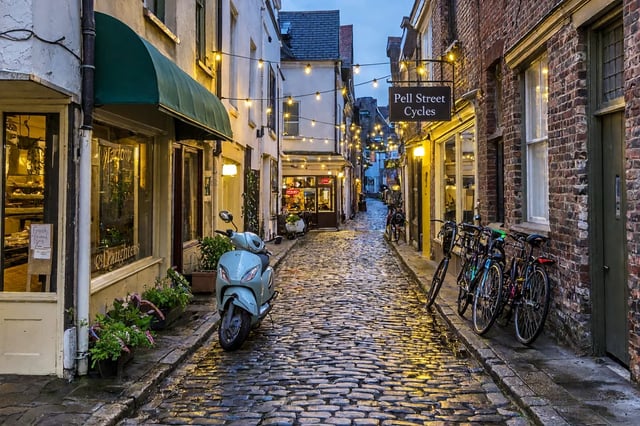
H3 Image Text to Image: Prompt to a 4K Picture or Poster
Turn a prompt into an H3 Image text to image picture at 1K, 2K or 4K. Tested prompts for posters with exact wording and long scenes; 1K is free on sign-up.
H3 Image vs P-H3-Image
Pruna's smaller open model against MiniMax's own, with the same seven prompts run on both.
H3 Image home
What MiniMax H3 Image is, real results with their prompts, and how to turn a picture into an H3 video.